# The pop-up
**Note:** The pop-up contents are different for each app. The following is a schematic representation
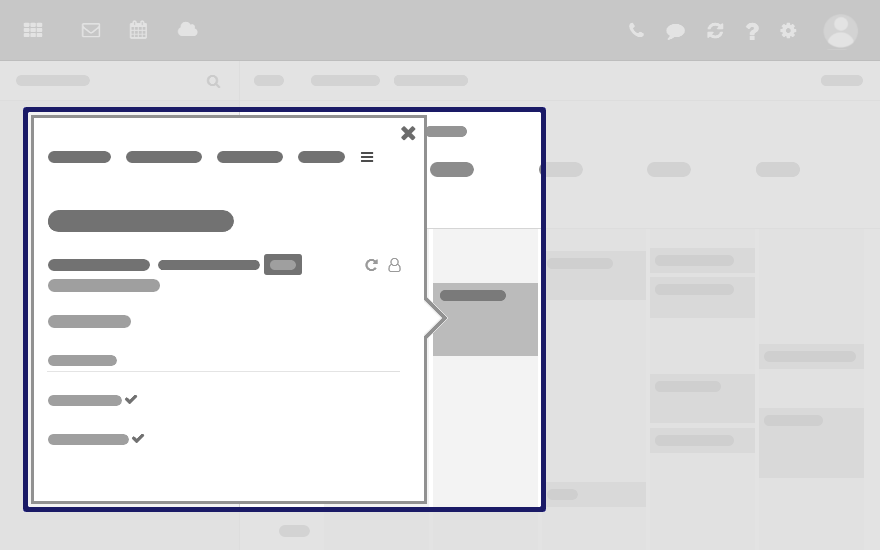
**Shows an object's details. The following actions open the pop-up:**
- clicking on an email, an appointment or a task in the app Portal
- clicking on a sender or recipient in an email's detail view
- clicking on an appointment's or a task's participant
- clicking on an appointment in a calendar view
**Content**
- Buttons for executing frequently used functions.
- The data of the object selected by you. The display of a person's data is called **Halo View**.
- If clicking on certain objects in the pop-up, a further pop-up opens.