
Widgets
Within the Dashboard Section I will cover each of the Widgets on the Dashboard Page as each widget dives deeper than initially realized. Being that this is where the meat of the data resides the widgets listed below have their own sections. I wasn't joking when I said the dashboard is simple but powerful!
Pages
The pages widget will show you the overview of 3 visitor page types that is set from the date filters on the dashboard page (Alternatively you can edit what date range you want to select from any page.) Each widget will give you the % for Page views and the bounce rate (bounce rate is the percentage that users leave your site from on that specific page.)
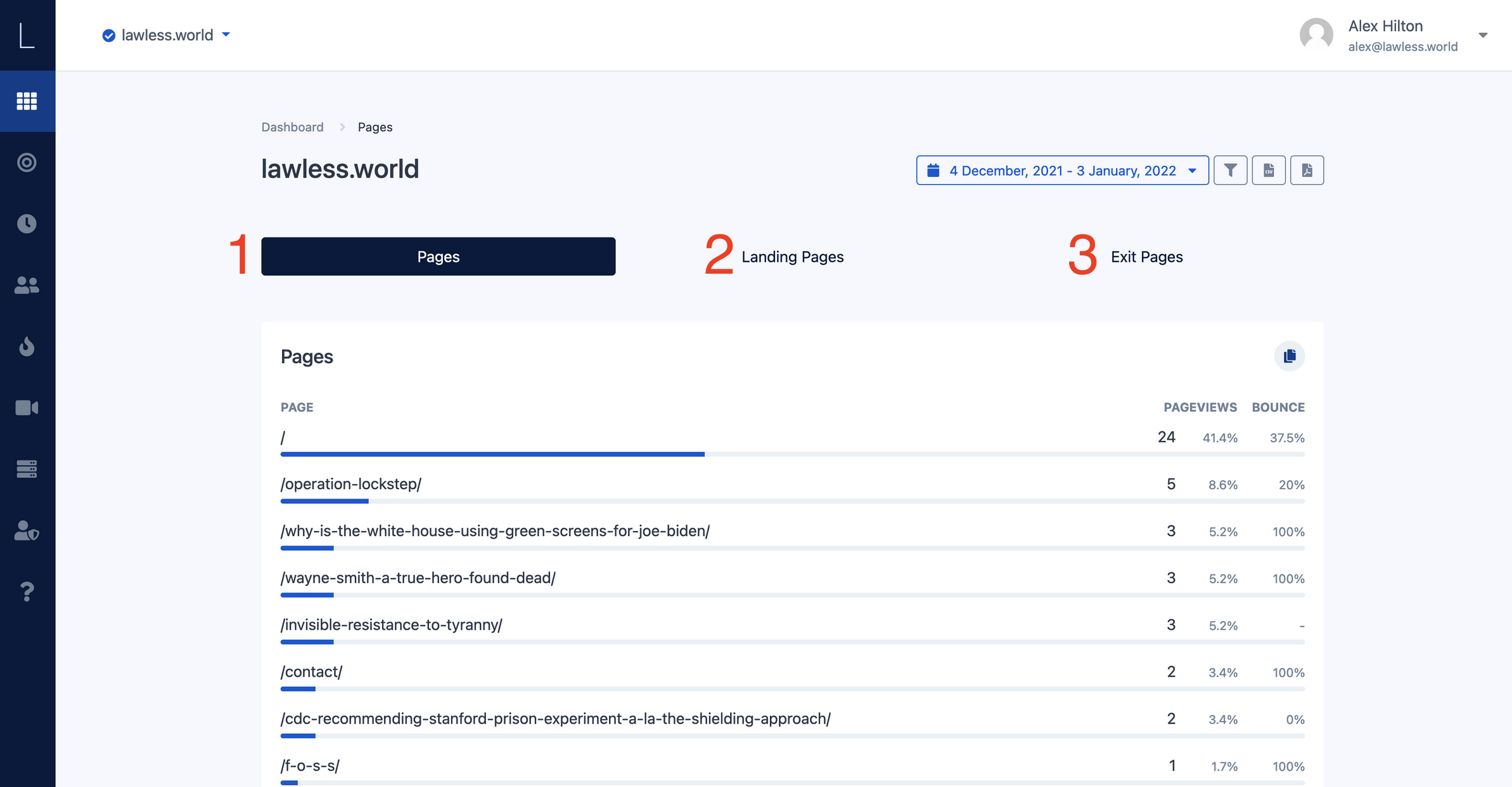
- Pages - this gives you an overview of the pages on your site that are most viewed to least viewed and is the default tab selected once selecting the view more option on the dashboard.
- Landing pages - this gives you the overview of what pages your visitors are landing on when first coming to your site
- Exit Pages - Exit pages are just that, the page that your visitors exit your site on
Referrers
Understanding where and how your visitors are getting to your website is important for any business to understand. The dashboard widget ‘Referrers’ gives you a high level overview of three different aspects and they can be accessed by clicking any of the tabs at the top of the page. Just like the ‘Pages’ widget gives you page views and bounce rate %'s, so does this widget (and all other widgets.)
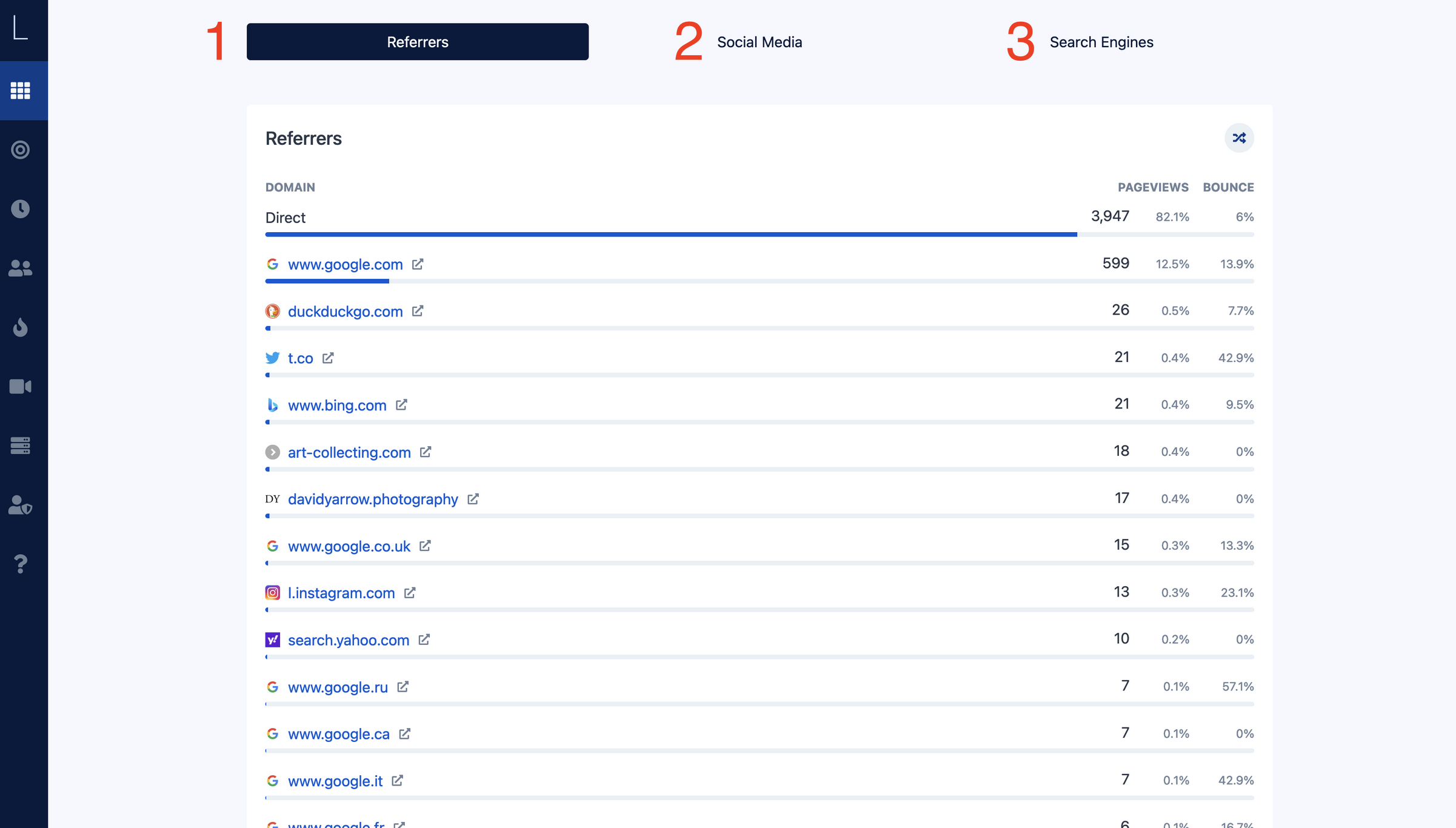
- Referrers - this allows you to view the general website from which your visitor came to your site. Clicking the name of the site will hyperlink you to their site as well.
- Social Media - Social Media sites which have referred visitors to your website.
- Search Engines - Search engines which have referred visitors to your website.
Countries
The country widget on the dashboard page gives you an overview of both the country and the city that your visitor arrived to you from. Different from other widgets on the dashboard page, when you click the corresponding countries name you want to view, it will give you a popup of the cities from where your visitors derived from.
Unlike other widgets, there are no corresponding tabs on the countries page itself however you are shown an interactive map. When hovering or clicking the country you want to get quick stats on (on a mobile phone) will show you a quick view of how many visitors you have from each country.
Clicking the name of the country will give you an breakdown of visitors by city.
Country Page