
The display area
Note: The display area contents are different for each app. The following is a schematic representation.
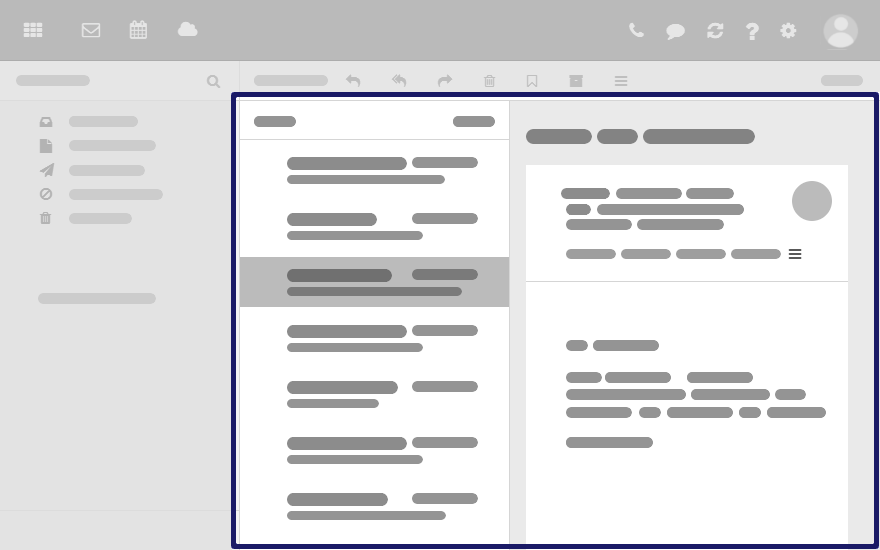
Content
-
A list of app specific objects: emails, contacts, appointments, tasks, files
To adjust the list width, hover over the line between the list and the detail view.
-
On top of the list, control elements for selecting or sorting objects are displayed.
-
The details of the object selected in the list, are displayed in a detail view.
If double-clicking on an object in the list, the content will be displayed in a window.
-
To select multiple objects, enable the option in the drop-down in the toolbar.
You can also use your system's multi selection functions.
You can change the view in the display area by clicking on in the toolbar.