
The folder view
Note: The folder view contents are different for each app. The following is a schematic representation.
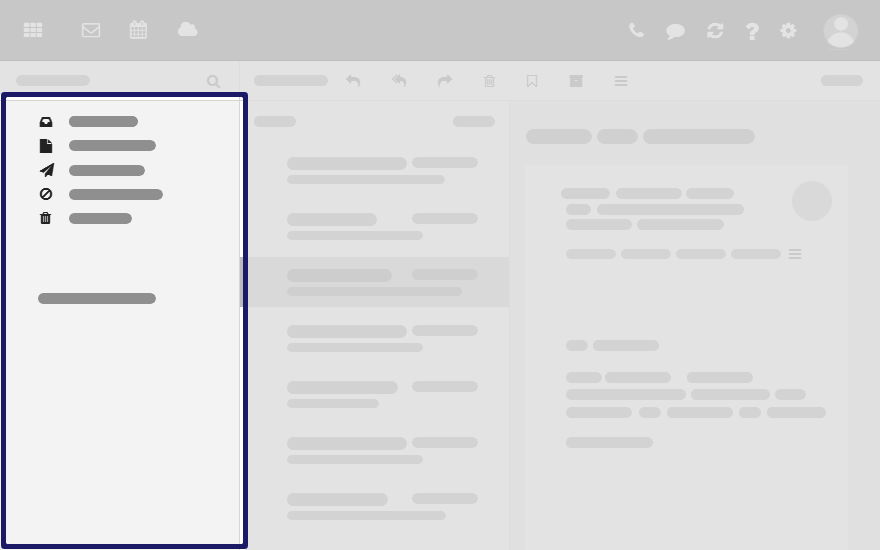
To open or close the folder view, use one of the following methods:
-
Click on in the toolbar. Enable or disable .
-
Click the or icon .


To adjust the folder view width, hover over the line between the folder view and the display area.
Content
-
The app specific folders
Folders are called differently in the following apps:
-
A folder is called address book in the Address Book app.
-
A folder is called calendar in the Calendar app.
-
-
Depending on the application or the configuration, sections for personal, public and shared folders
-
The icon next to the selected folder. It contains functions for organizing folders. You can also use the .
-
Depending on the app, further functions might be available.
