
The notification area
Note: The following is a schematic representation.
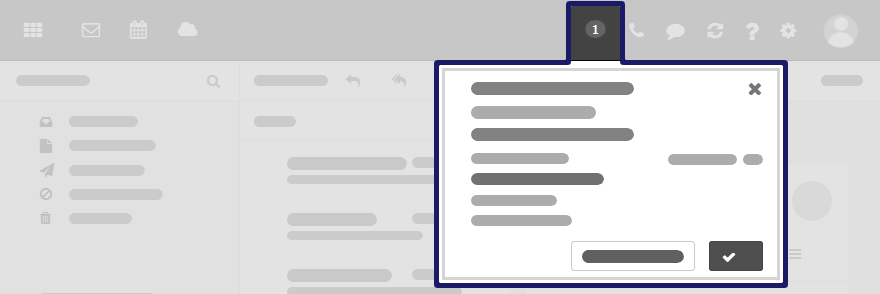
Displays notifications about the following events:
-
new appointment invitations
-
reminder for a scheduled appointment or task
The following actions open the notification area:
-
Clicking on the icon in the menu bar. The icon is displayed when receiving a new notification.
-
Depending on the settings, the notification area automatically opens if there is a new notification.

Content
-
Notifications about new invitations and upcoming events
-
Control elements for editing notifications: accept, decline, remind again, delete