
The toolbar
Note: The toolbar contents are different for each app. The following is a schematic representation.
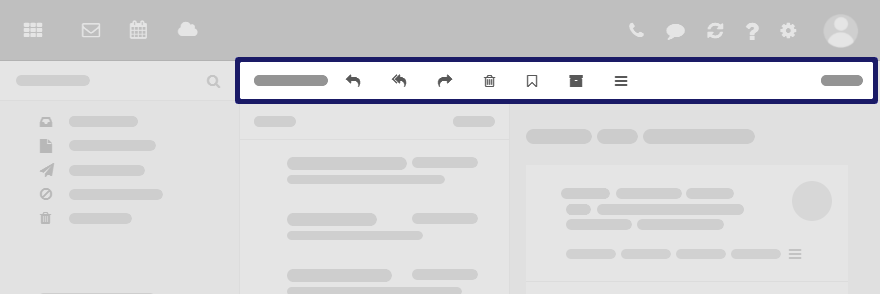
Content
-
Buttons for creating new objects, e.g. a new email or a new contact.
-
Buttons or icons for editing objects.
-
Depending on the app, further app specific buttons or icons might be available.
-
icon . Contains app specific functions for organizing objects.
-
button. Contains functions for controlling the layout in the display area and for opening or closing the folder view.
